A place for every expense.
Log income and spending with categories, account labels and notes. Add an optional photo when a little context helps.
YOUR MONEY. A LITTLE MORE CLARITY.
An expense tracker that makes room for what matters. See what you earn, understand what you spend and keep your savings goals in sight.

Free for iPhone. No ads. No subscriptions. No account.
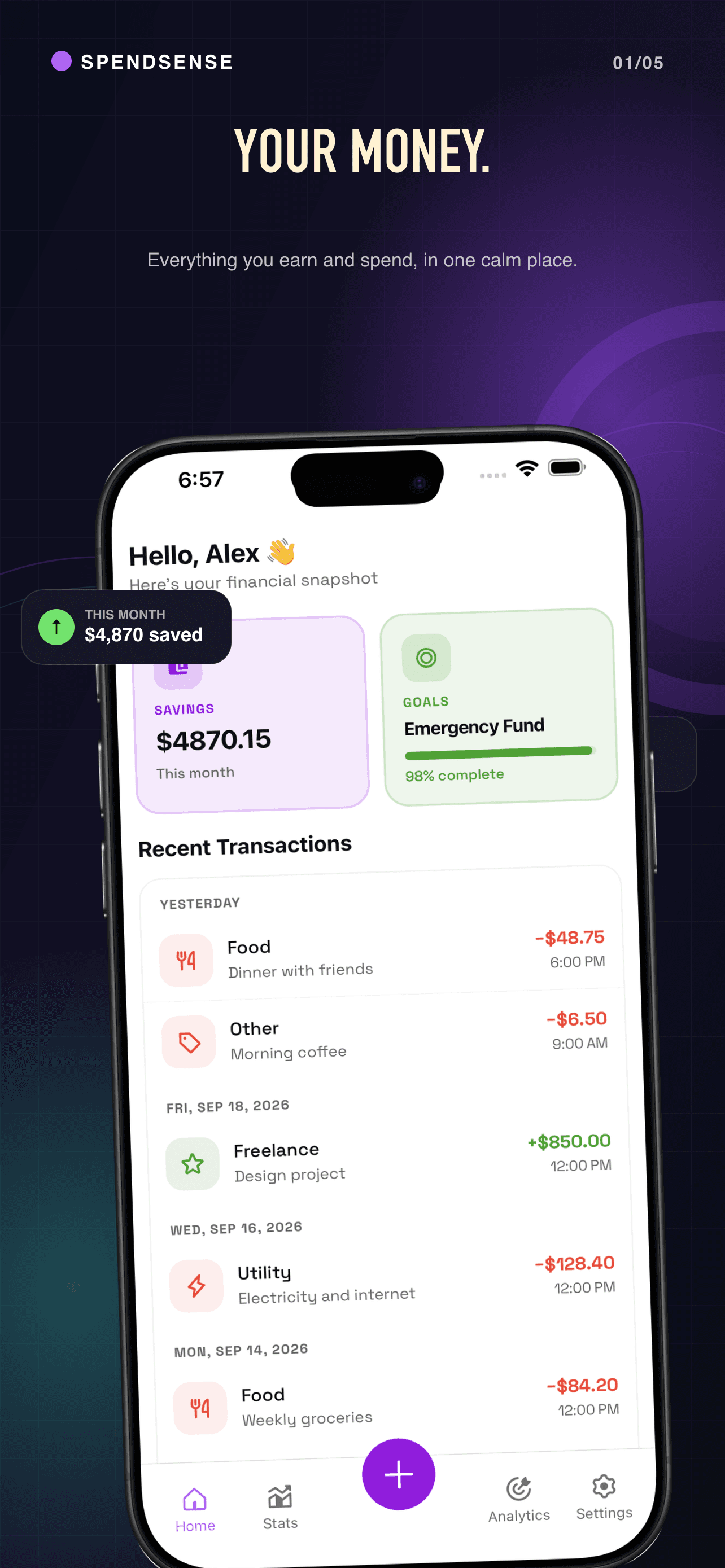 A clearer picture, one entry at a time.
SMALL HABITS. A BETTER OVERVIEW.
Log income and spending with categories, account labels and notes. Add an optional photo when a little context helps.
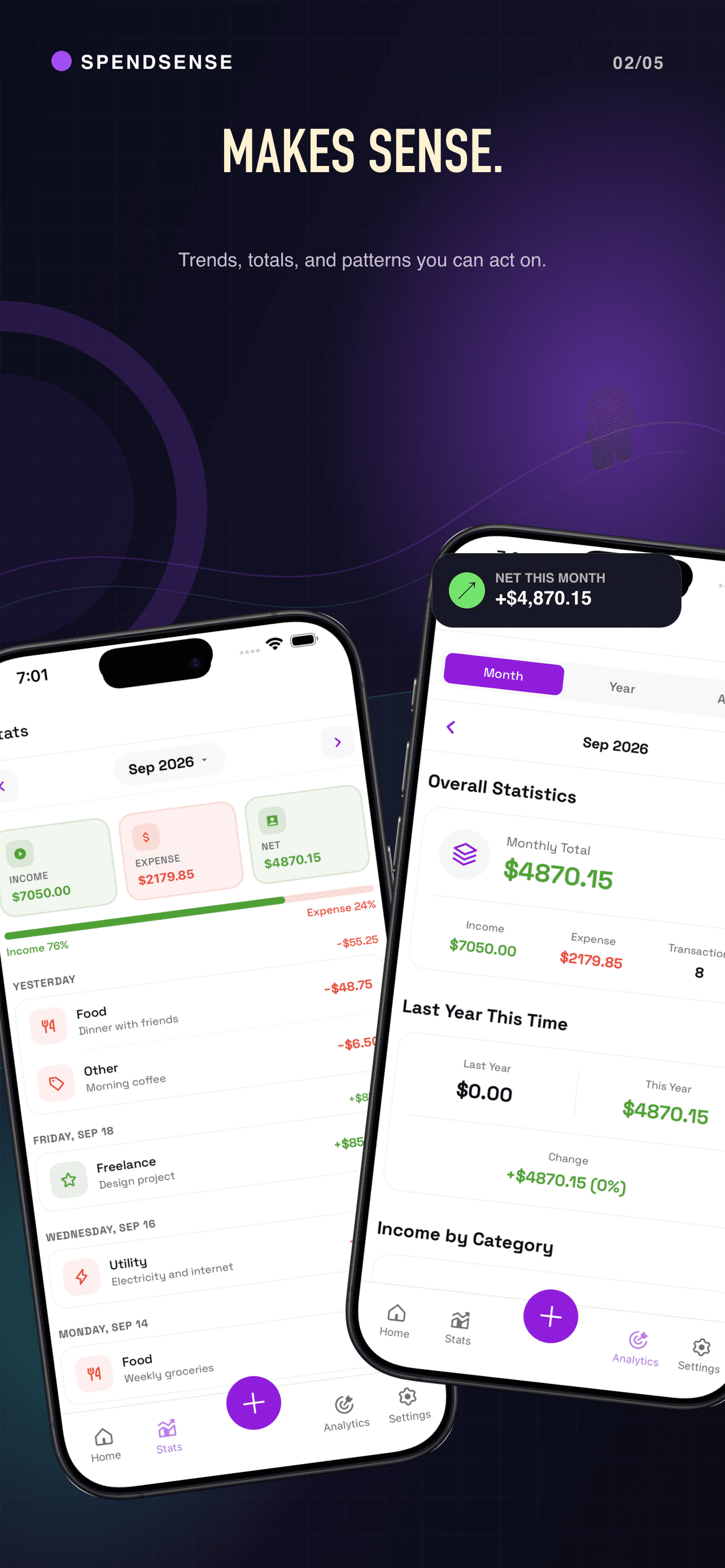
Explore monthly, yearly and all-time insights from your entries. Understand where your money goes at your own pace.
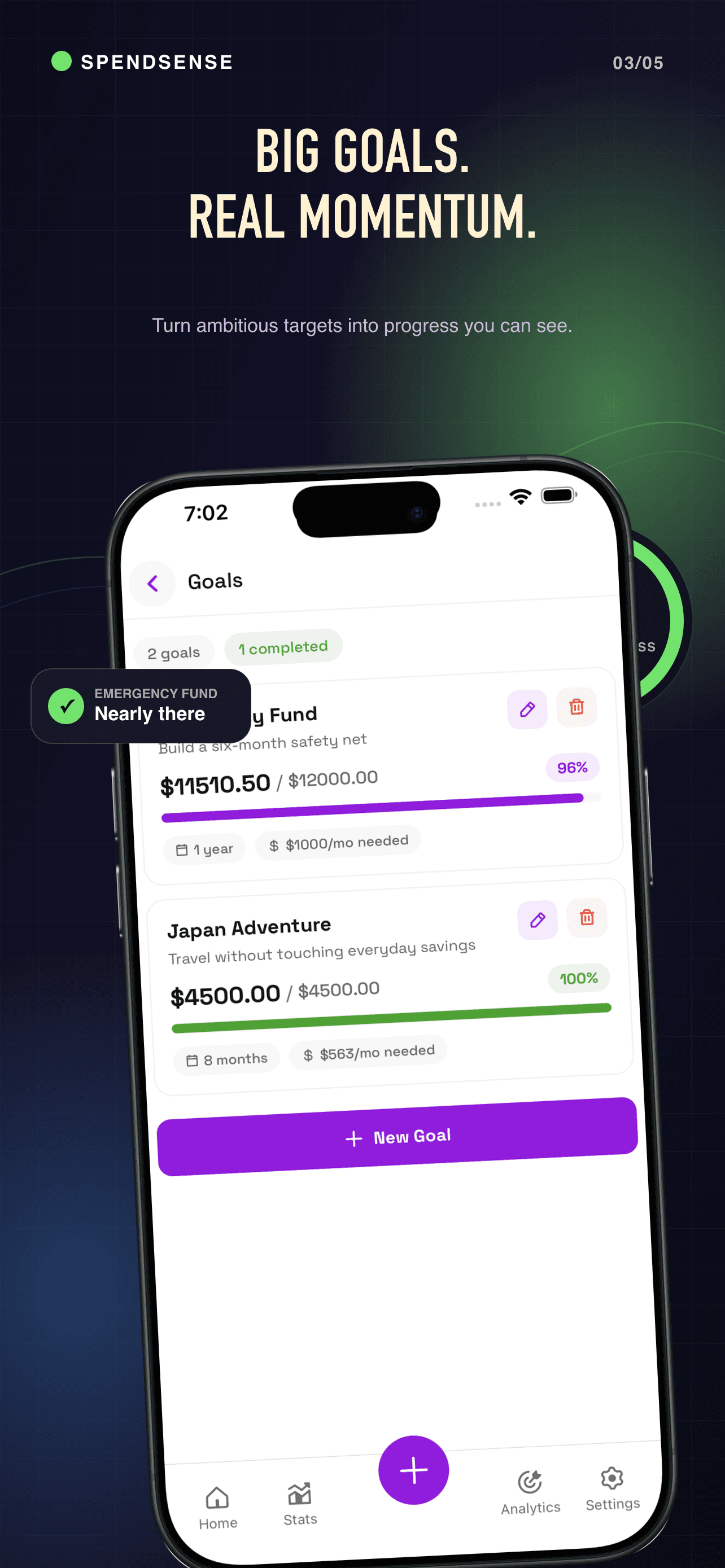
Create savings targets and follow your progress. Your goals track your records; they do not transfer or reserve money.
A CALMER WAY TO CHECK IN
Manual tracking means you choose what to record. Core features work offline, so a quiet moment is all you need.
Choose your display currency and appearance. No bank linking, no automatic transfers and no currency conversion.
PRIVATE BY DESIGN
Financial records and preferences use iOS Keychain. Optional photos stay as local files or references. Export a passphrase-protected backup when you need one, and keep the passphrase somewhere safe.
Backups do not embed photos. Restoring replaces your current app data. Optional notifications use Firebase and Apple's notification services.
Read the privacy detailsYes. SpendSense currently has no ads, in-app purchases, subscriptions or paid feature unlocks.
No. You manually enter your income and expenses. SpendSense does not access bank accounts, move money or offer financial advice.
Yes. Core expense tracking, insights and goals work offline. Remote notifications and any external destination you choose for a backup may need a connection.
Visit SpendSense support or email support@syedinteractivellc.com.
START WITH YOUR NEXT TRANSACTION
Available for iPhone on the App Store.